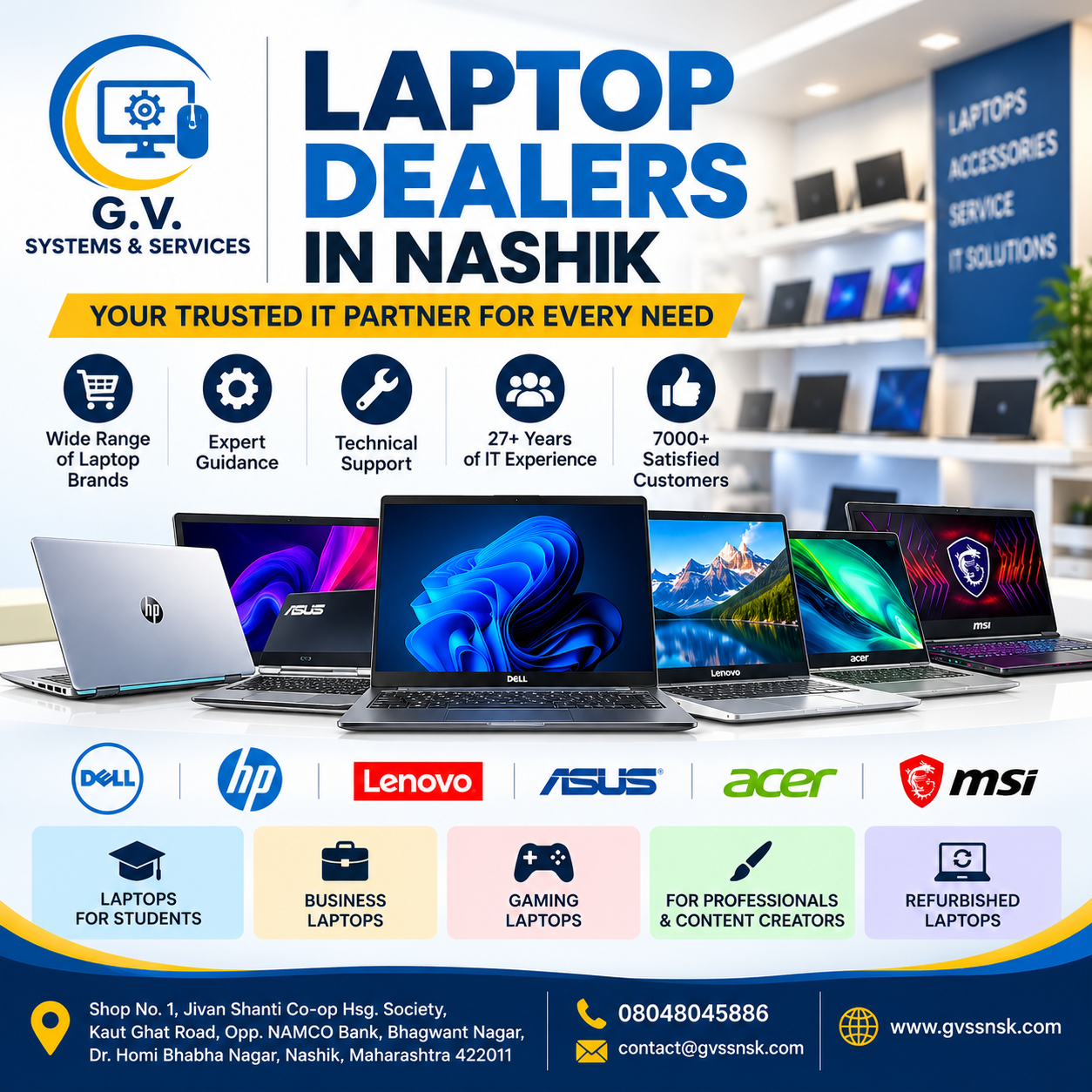
Looking for reliable laptop dealers in Nashik? G.V. SYSTEMS & SERVICES is an IT products and services provider offering laptop solutions for students, working professionals, home users, gamers, and businesses. With over 27 years of IT industry experience and 7,000+ satisfied and regular customers, we help customers find computing solutions suited to their requirements.
Whether you are planning to buy a business laptop, a laptop for college, a gaming laptop, or a system for everyday office work, choosing the right specifications and a dependable IT supplier can make a significant difference.
Visit our website at www.gvssnsk.com to explore our laptop offerings and other IT products.
Why Choose G.V. SYSTEMS & SERVICES for Laptops in Nashik?
Choosing a laptop is about more than comparing prices. You should consider performance, reliability, warranty, future upgrade requirements, and technical support.
At G.V. SYSTEMS & SERVICES, we bring extensive IT industry experience to help customers explore suitable computing solutions.
What makes us a useful choice for your laptop requirements?
- 27+ years of IT experience: Industry experience in IT products and technical services.
- Multiple laptop brands: Explore laptop options from Dell, HP, Lenovo, ASUS, Acer, and MSI, subject to availability.
- Solutions for different users: Options for education, business, office productivity, gaming, and personal use.
- Technical expertise: Laptop chip-level and desktop motherboard repair services.
- Complete IT solutions: Computer hardware, accessories, consumables, Linux servers, mail servers, and backup solutions.
- Customer-focused guidance: Get assistance in selecting specifications suited to your intended use.
Our objective is to help customers make informed technology decisions based on their requirements and budget.
Which Laptop Should You Buy?
The best laptop depends on what you intend to do with it. A student working on assignments may have different requirements from a graphic designer, business owner, or gaming enthusiast.
1. Laptops for Students
Students generally need a laptop for online learning, research, presentations, assignments, browsing, and productivity applications.
When selecting a student laptop, consider:
- Intel Core or AMD Ryzen processor appropriate for your workload.
- 8 GB RAM as a practical starting point for basic study tasks.
- An SSD for faster startup and application loading.
- A comfortable keyboard and a clear display.
- Good battery life and convenient portability.
Students using engineering software, video editing applications, or other demanding programs may require higher specifications.
2. Business Laptops for Office Work
Business laptops are suitable for professionals, entrepreneurs, accountants, and office employees who need reliable systems for daily work.
Look for features such as:
- A suitable Intel Core or AMD Ryzen processor.
- 16 GB RAM for comfortable multitasking in many business workloads.
- SSD storage for responsive performance.
- Security features such as TPM and biometric login where available.
- A durable design and a suitable manufacturer warranty.
For offices running accounting software, ERP applications, or other specialized business programs, check software compatibility before buying.
3. Gaming Laptops
Gaming laptops are designed for demanding games and graphics-intensive workloads. They typically include dedicated graphics hardware, performance-oriented processors, and advanced cooling systems.
Before buying a gaming laptop, compare:
- Dedicated GPU model and graphics memory.
- Processor performance.
- RAM capacity and upgrade options.
- SSD capacity.
- Display resolution and refresh rate.
- Cooling performance and power requirements.
A laptop with a powerful graphics card can also be useful for compatible 3D design, rendering, and video editing applications.
4. Laptops for Professionals and Content Creators
Designers, architects, developers, and video editors should select a laptop according to the software they use.
Depending on the workload, they may need a powerful processor, 16–32 GB RAM or more, a colour-accurate display, a dedicated GPU, and sufficient SSD storage.
Always check the recommended hardware specifications of your professional software before making a purchase.
5. Refurbished Laptops for Budget-Conscious Buyers
A refurbished laptop may be an option for customers who want to control their initial spending.
Before purchasing a refurbished system, check its battery condition, display, keyboard, ports, storage health, operating system licensing, and overall performance. Ask for clear information about its condition, warranty coverage, and return or service terms.
Availability and warranty conditions should be confirmed for the specific laptop before purchase.
Which Laptop Specifications Are Best for You?
Use this table as a starting point when comparing laptops.
UsageSuggested RAMStorageKey considerationBasic browsing and study8 GB256 GB SSDEveryday performanceOffice and business work16 GB512 GB SSDMultitasking and reliabilityProgramming and development16–32 GB512 GB–1 TB SSDTools, virtual machines, workloadGaming16–32 GB512 GB–1 TB SSDDedicated GPU and coolingVideo editing and 3D design32 GB or more, depending on workload1 TB SSD or more, as neededCPU, GPU, RAM and display
These are general recommendations rather than fixed requirements. Actual needs depend on the applications you use and the laptop's upgrade capabilities.
Dell vs HP vs Lenovo vs ASUS vs Acer vs MSI: Which Is Better?
There is no single laptop brand that is best for every customer. The right choice depends on the individual model, specifications, intended workload, budget, warranty, and service arrangements.
- Dell: Consider its available laptop ranges for home, professional, and business use.
- HP: Compare its everyday, productivity, and business-oriented models.
- Lenovo: Evaluate its laptop ranges for education, business, and professional work.
- ASUS: Explore suitable everyday, creative, and gaming models.
- Acer: Compare available models for education, home computing, and gaming.
- MSI: Consider suitable performance-focused and gaming laptops.
Compare the actual processor, RAM, SSD, display, graphics, warranty, and price rather than choosing a laptop based only on its brand name.
G.V. SYSTEMS & SERVICES can help you explore available laptop options from these brands. Please confirm current model availability and pricing with our team.
What Should You Check Before Buying a Laptop?
Follow this practical checklist before making your decision:
- Define your primary use: study, business, office work, gaming, or professional applications.
- Set a realistic budget.
- Compare the processor generation and performance.
- Check RAM capacity and whether it can be upgraded.
- Prefer SSD storage for a responsive computing experience.
- Check the screen size, resolution, brightness, and keyboard comfort.
- Confirm battery expectations and portability.
- Verify the manufacturer's warranty and applicable service conditions.
- Ask about compatible accessories and necessary software.
- Compare the complete specifications and final price before placing your order.
Selecting a laptop based on these factors can help you avoid paying for features you do not need or purchasing a system that cannot handle your workload.
Why Technical Support Matters After Buying a Laptop
A dependable IT partner can help you with more than the initial purchase. Setup guidance, compatible accessories, upgrade planning, and technical troubleshooting can all contribute to a better computing experience.
G.V. SYSTEMS & SERVICES specializes in laptop chip-level and desktop motherboard repair. We also provide a range of IT products and business technology solutions, including Linux servers, mail servers, and backup solutions.
If your laptop develops a hardware problem, the appropriate diagnosis will depend on the symptoms, device model, and condition of its components.
Frequently Asked Questions (FAQs)
1. Where can I find laptop dealers in Nashik?
You can contact G.V. SYSTEMS & SERVICES in Bhagwant Nagar, Dr. Homi Bhabha Nagar, Nashik, to enquire about laptops from brands including Dell, HP, Lenovo, ASUS, Acer, and MSI. Visit www.gvssnsk.com to explore available products and contact details.
2. Which is the best laptop shop in Nashik?
The best laptop shop depends on your requirements, budget, product selection, warranty, and technical support needs. Look for a supplier who can help you compare specifications and choose a suitable system. G.V. SYSTEMS & SERVICES offers IT products and technical services in Nashik.
3. Which laptop is best for students?
For everyday study, online classes, research, and office applications, a laptop with 8 GB RAM and SSD storage can be a reasonable starting point. Students using engineering, design, or video editing software may need more powerful hardware.
4. Which laptop is suitable for office work?
For many office workloads, a laptop with 16 GB RAM, a suitable modern processor, and a 512 GB SSD provides a practical balance. The ideal specifications depend on the software, number of applications, and multitasking requirements.
5. Do you offer Dell, HP, Lenovo, ASUS, Acer, and MSI laptops?
G.V. SYSTEMS & SERVICES lists laptop offerings from Dell, HP, Lenovo, ASUS, Acer, and MSI. Contact us to confirm the current availability, specifications, and pricing of your preferred model.
6. Can I enquire about a gaming laptop in Nashik?
Yes. You can contact G.V. SYSTEMS & SERVICES to enquire about gaming laptop options. Share your budget, preferred games, display requirements, and performance expectations so that suitable configurations can be identified.
7. Should I buy a new or refurbished laptop?
A new laptop may be preferable if you want a current model and a new-product manufacturer warranty. A refurbished laptop may help reduce the initial cost, provided its condition, battery health, warranty, and specifications meet your requirements.
8. Where is G.V. SYSTEMS & SERVICES located in Nashik?
Our listed address is Shop No. 1, Jivan Shanti Co-op Hsg. Society, Kaut Ghat Road, opposite NAMCO Bank, Bhagwant Nagar, Dr. Homi Bhabha Nagar, Nashik, Maharashtra 422011.
For directions and current contact information, visit our website.
Contact G.V. SYSTEMS & SERVICES – Laptop Dealers in Nashik
Are you planning to buy a laptop for education, business, personal use, or gaming?
Contact G.V. SYSTEMS & SERVICES to discuss your requirements and explore suitable laptop options.
Business: G.V. SYSTEMS & SERVICES
Location: Bhagwant Nagar, Dr. Homi Bhabha Nagar, Nashik – 422011, Maharashtra
Website: https://www.gvssnsk.com/
Phone: +91-98230 53058 / +91- 95795 52195
Email: contact@gvssnsk.com
Choose the right laptop with informed guidance from your local IT solutions provider in Nashik.
Contact our team to enquire about product availability, specifications, and pricing.
Keywords